
Resonance: A Plague Tale Legacy Resonance Controls
The five combat inputs plus the overloaded interact button.
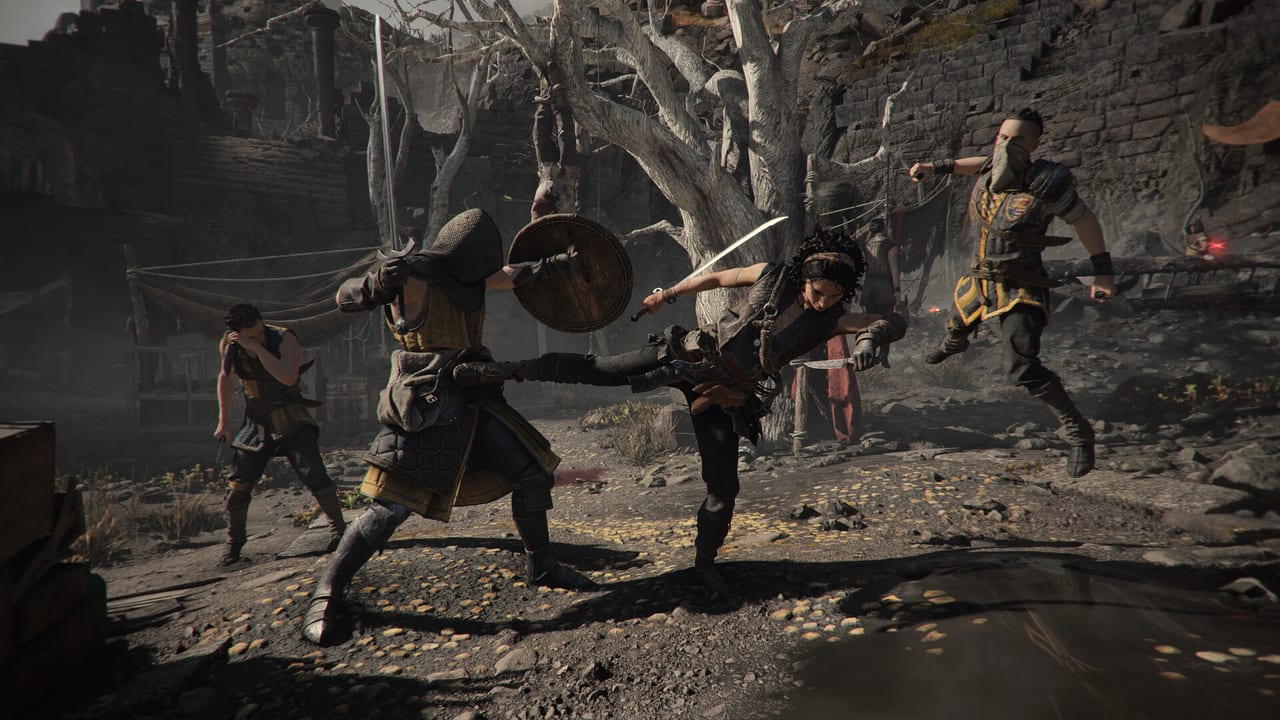
Resonance: A Plague Tale Legacy ships with full controller support. Asobo recommends a pad. Steam lists Xbox, DualShock (USB), and DualSense. This page maps the actions the combat guide talks about so you are not translating IGN’s Xbox preview on the fly.
There is no hidden gyro requirement. Mouse and keyboard work; parry timing is just easier with a trigger than with a mouse click.
Combat bindings (Xbox / PlayStation)
| Action | Xbox | PlayStation |
|---|---|---|
| Light attack | X | Square |
| Charged dagger critical | Hold X | Hold Square |
| Kick | Y | Triangle |
| Dodge | B | Circle |
| Parry (tap) | LB | L1 |
| Block (hold) | Hold LB | Hold L1 |
| Lock on | L3 / look | L3 / look |
IGN’s June 2026 preview is the source of that Xbox map. Echo’s Return, once unlocked, is dodge timed on a hit, not a new face button. Bullbreaker Kick is a double tap of kick.
Interact is doing too much
Eurogamer’s review joked that one face button is squeeze-through-gaps, crawl, inspect trinkets, insert spherical keys, and throw a dropped knife. That is accurate. If you mash interact in a fight you may throw a bottle when you meant to stab. If you ignore interact after a fight you will miss a charm chest sitting one metre to the left.
Sphere aim uses the same look stick as combat. Inserting the sphere into a pedestal is interact. Splitting light into red, green, and blue is a mode on the orb, not a separate weapon wheel. See puzzles for when to switch modes.
Grapple is a dedicated tool: yank an archer, make a zip, pull a body. Traversal grapples are highlighted in the world. Combat grapples are contextual when a light enemy is marked.
PC notes
Rebind parry to a mouse side button if you insist on keyboard. Do not put parry on the same key as interact. Do not put kick on the same key as jump if your layout has a jump. Camera comfort and invert options sit in accessibility. HDR is available on Steam. The developers still recommend the pad.
Steam Deck is Playable, not Verified. Expect to check the community layout. Full screen cinematic letterboxing is normal; it is not a Deck bug.
Accessibility that changes control feel
Adjustable difficulty, playable without some timed inputs, subtitle options, color alternatives, camera comfort, custom volumes. None of these auto-parry for you. They do let you lower the cost of a missed tap. If red attacks are the problem, that is still dodge, documented on combat.
Practice plan
Chapter 1: mash attack on Ezra, then sprint. After the time skip, only practice tap-parry on Valerio. Chapter 2: aerial attack, then hook-yank. Chapter 3: stop and bind nothing new; start looking at the floor for tokens. If a button still feels wrong in Chapter 4, rebind before the first trial, not during a mirror puzzle.
When you are ready to spend points that change those buttons, go to skills. When you need hardware instead of binds, go to system requirements.
Frequently Asked Questions
Quick answers to the most common questions.
Can I remake the scheme to match Sekiro?
You can remap. The game still expects a tap-parry and a separate dodge. Do not bind both to the same input.
Is there a jump button?
Traversal vaults are contextual. Aerial kills use jump plus attack in the Venice tutorial. You are not in an open-world parkour sandbox.
Why does interact pick up a knife mid-combo?
Because throwables share interact. Strafe off the knife or finish the combo before you loot.
Does DualSense do anything extra?
Steam lists DualSense support. Adaptive trigger flavor is not required to parry. A standard pad is enough.